Nextcloud and OnlyOffice: The Sovereign Solution Against M365 and Google Workspace
Listen to this article
An Open-Source, Data-Sovereign Enterprise Infrastructure and Integration Guide Against M365 and Google Workspace
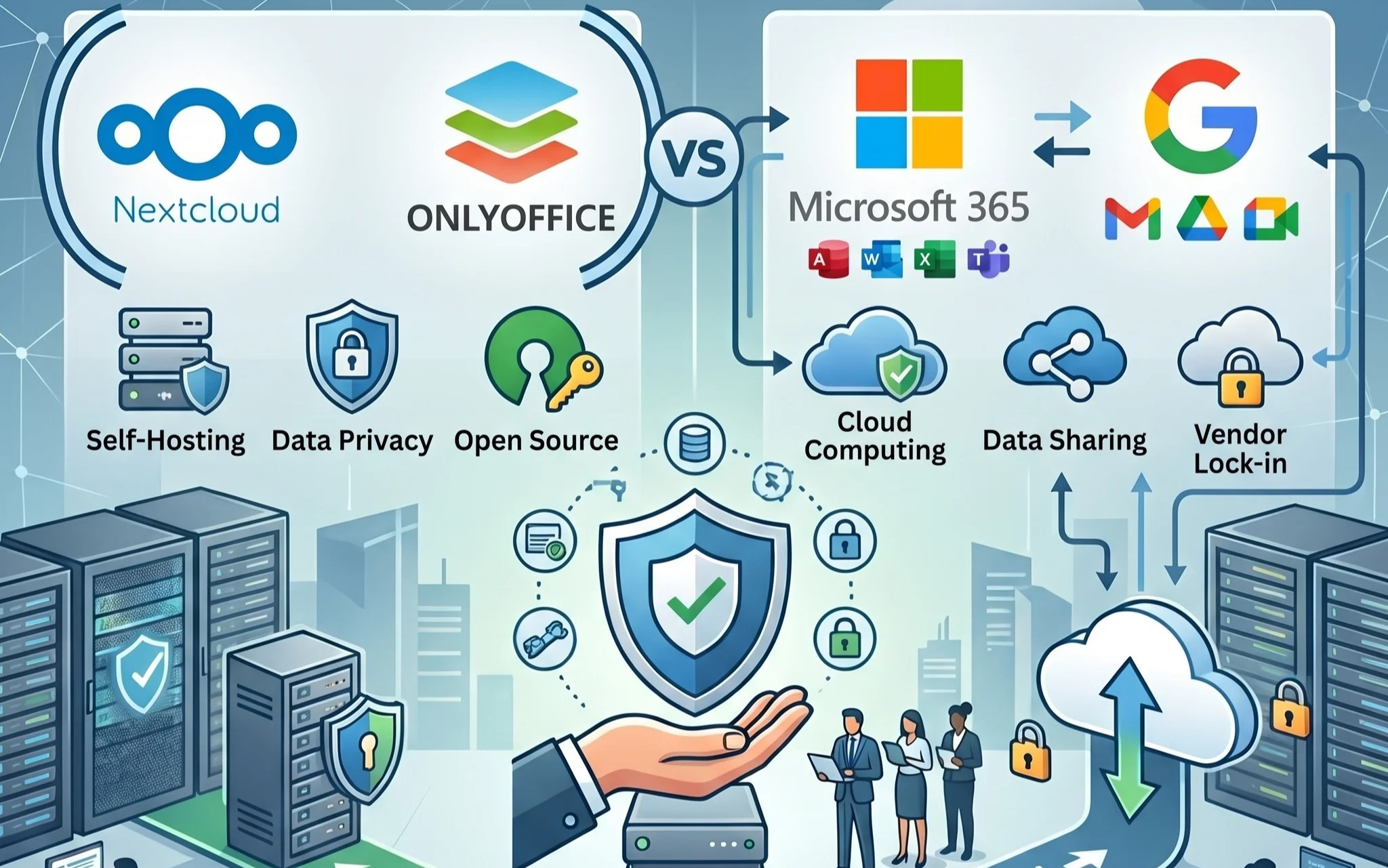
In the modern business landscape, cloud-based collaboration platforms form the heartbeat of corporate communication and data management. However, as the famous technology adage highlights—"There is no cloud, it's just someone else's computer"—relying on public cloud giants like Microsoft 365 (M365) and Google Workspace introduces severe risks concerning data sovereignty, security, and escalating costs. Due to legislative frameworks such as the US Cloud Act, data remains accessible to foreign authorities regardless of where it is physically stored, presenting a critical risk to enterprise security and compliance.
In this technical blog post, we will explore the complete architecture of Nextcloud Hub, OnlyOffice Document Server, and Mailcow—an ecosystem that eliminates vendor lock-in and delivers absolute data sovereignty on on-premises or private cloud infrastructures. We will compare this stack to M365 and Google Workspace, and dive deep into performance tuning, security models, scalability, and autonomous local AI assistant integration.
The Battle for Digital Sovereignty: Nextcloud Hub vs. M365 & Google Workspace
Nextcloud Hub has evolved far beyond a simple file storage and synchronization tool. It represents a unified digital workspace where communication, calendaring, document editing, and mail client capabilities interact seamlessly.
The table below outlines the core architectural and strategic differences between a self-hosted Nextcloud ecosystem and public cloud alternatives:
| Criterion | Nextcloud Hub Ecosystem | Microsoft 365 | Google Workspace |
|---|---|---|---|
| Hosting | On-Premises, Private Cloud, or completely isolated (Air-gapped) networks. | Public Cloud only (Microsoft Azure). | Public Cloud only (Google Cloud Platform). |
| Data Sovereignty | Absolute. Database files, encryption keys, and raw storage are fully controlled by the enterprise. | Limited. Data is encrypted but keys and infrastructure are managed by Microsoft. | Limited. Data rests on Google infrastructure under Google's key management. |
| Compliance (GDPR / HIPAA) | Hosting on local nodes ensures 100% data residency compliance out-of-the-box. | Cross-border transfers and the Cloud Act present persistent compliance challenges. | Similarly, cross-border data transfer poses compliance risks requiring extra approvals. |
| Licensing & Audits | Open-source (AGPLv3) licensing. No user count limits; no surprise licensing audits. | Per-user monthly fees. Surprise audits and sudden license tier adjustments. | Per-user monthly subscription. Costs scale aggressively as headcount grows. |
| Artificial Intelligence (AI) | Local & Autonomous. Models (Llama, Mistral) run on-site; zero data leakage. | Cloud-based Copilot. Data is processed in Microsoft's proprietary LLM engines. | Cloud-based Gemini. Data is analyzed on Google cloud endpoints. |
| Offline & Air-Gapped Use | Runs flawlessly in offline environments (military, industrial control networks). | Requires constant internet and connectivity to active Microsoft cloud services. | Continuous internet and Google account validation are mandatory. |
Microsoft's Cloud-First Pressure and Deprecation Risks
To accelerate the migration of enterprises to public clouds, software giants are systematically reducing support and development for on-premises solutions. The most prominent example of this strategic pressure is Microsoft's "cloud-first" roadmap:
In recent years, Microsoft has clearly adopted a "cloud-first" approach, positioning its products—such as Windows Server, identity management, and others—to integrate closely with the Azure cloud. This strategic shift is fundamentally changing how organizations manage their infrastructure, bringing both new opportunities and significant risks.
Evolution of Critical On-Premises Tools
WSUS (Windows Server Update Services): In September 2024, Microsoft officially declared WSUS as "deprecated". No new innovations will be delivered, and organizations are pushed toward cloud-based update management tools like Autopatch and Intune. While WSUS remains usable and is supported in Windows Server 2025, no new features are being developed, signaling its eventual phase-out.
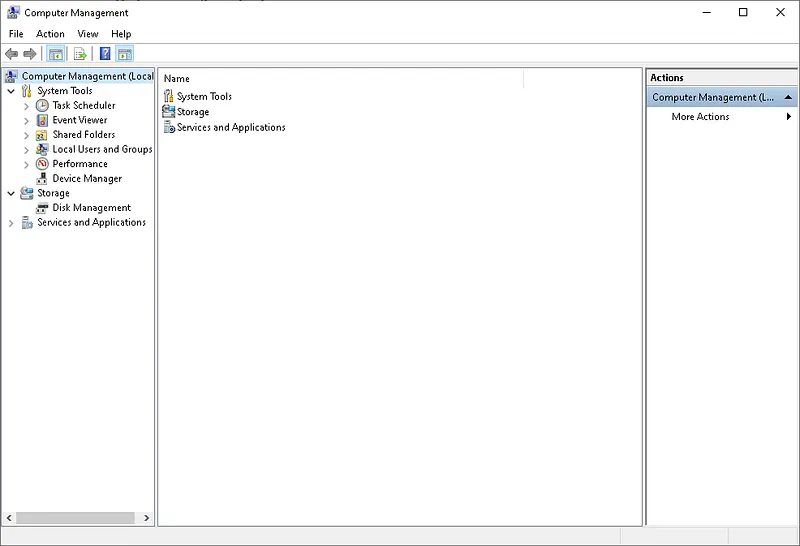
Windows Admin Center (WAC): Active development continues for this tool, but the primary focus is heavily shifted toward Azure Arc integration, enabling the management of on-premises servers via the Azure cloud control plane.
Azure Local (Azure Stack HCI): Instead of abandoning local hardware, Microsoft positions it as "Azure Local"—a hybrid architecture tightly coupled with the Azure cloud, managed and licensed directly through the Azure portal.
Identity Management: The Future of On-Premises Active Directory
The dominant trend in Microsoft's identity solutions is cloud-centric, with Microsoft Entra ID (formerly Azure AD) acting as the heart of the platform.
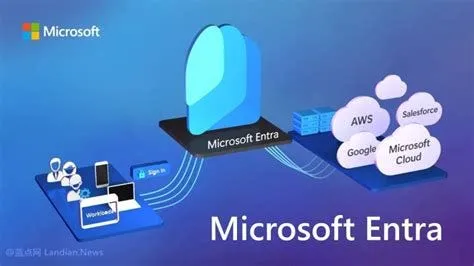
While traditional On-Premises Active Directory (AD DS) received performance enhancements in Windows Server 2025 (such as a 32k database page size and Local Administrator Password Solution enhancements), 90% of Microsoft's identity investments are directed toward Entra ID. Organizations are heavily incentivized to configure cloud synchronization (Azure AD Connect) and migrate authentication services to Azure.
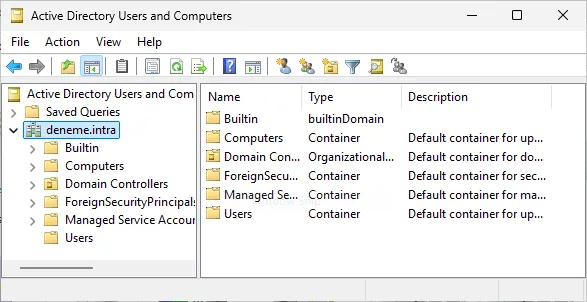
The long-term recommendation from Microsoft is to host workloads on Entra ID and maintain a hybrid bridge (Azure AD Connect) with on-premise AD. The diagram below visualizes the flow of identity sync and potential cloud exposure:
graph TD
    subgraph "On-Premises Boundary"
        AD[Local Active Directory DS]
        User[User Login]
    end

    subgraph "U.S.-Based Cloud Provider (Azure)"
        Entra[Microsoft Entra ID <br/> Identity Provider]
        SaaS[Office 365 / OneDrive]
    end

    subgraph "Foreign Legal Authorities"
        Court[U.S. Courts]
        CloudAct[CLOUD Act Mandate]
    end

    AD -->|Azure AD Connect Sync| Entra
    User -->|Local Login| AD
    User -->|SSO / Modern Auth| Entra
    Entra -->|Access Permissions| SaaS

    Court -->|Lawful Order| CloudAct
    CloudAct -->|Data Disclosure Obligation| Entra
    CloudAct -.->|Exposure Risk| SaaS
The Legal Threat: U.S. CLOUD Act and the Data Sovereignty Dilemma
Public cloud providers (Microsoft Azure, AWS, Google Cloud) often promise data residency, guaranteeing that customer data will be stored physically in regions like Germany, Ireland, or local sovereign datacenters. However, data residency is not equivalent to data sovereignty.
The primary legal challenge to this model is the U.S. CLOUD Act (Clarifying Lawful Overseas Use of Data Act). Under this legislation:
- U.S.-based cloud providers (and their foreign subsidiaries) are legally obligated to disclose data under their custody or control regardless of where the data is physically stored (even if located in an Azure datacenter in Europe) when served with a lawful U.S. court order.
- In fact, Microsoft France's General Counsel publicly acknowledged that if a properly formatted request is received from U.S. authorities, Microsoft is legally bound to provide the requested data, bypassing local privacy protections.
For organizations subject to strict regulations like GDPR and KVKK (specifically Article 9 governing cross-border transfers), this creates a direct compliance vulnerability. To mitigate this, some organizations resort to technical solutions like Azure Confidential Computing and Customer-Managed Keys (CMK), but legal risks remain.
Recommendations for On-Premise-Only Enterprises
For organizations that must keep data strictly on-premises due to regulatory mandates or security policies, a cautious hybrid strategy or isolated deployment is essential:
- Azure Local / HCI: Keep data local on-premises while using cloud interfaces solely for administration if necessary.
- Customer-Managed Keys (CMK / BYOK): Use your own encryption keys to limit direct access by cloud providers to your stored data.
- Air-Gapped Environments: For highly sensitive workloads, deploy entirely isolated environments with no internet access.
- Operational Steps:
- Inventory (30 days): Map all data flows, authentication endpoints, and server infrastructure.
- Classification (60 days): Determine which data can reside in the cloud and which must remain strictly on-premises.
- WSUS Transition: Plan alternative patch management workflows using tools like Microsoft Endpoint Configuration Manager (MECM/SCCM) or Azure Update Manager.
Open Source Alternatives for Strategic Independence
Concerns over cloud pressure and the CLOUD Act have made open-source solutions a strong strategic alternative. Migrating to Linux desktops and server infrastructures provides several advantages:
- Full Control: Eliminates hidden telemetry and backdoor security risks.
- Data Sovereignty: Processing remains 100% local with no mandatory cloud dependencies.
- Cost Efficiency: Eliminates recurring OS and office suite licensing fees, freeing up IT budgets.
Organizations evaluating Linux can choose from several enterprise-grade distributions:
- Enterprise Support: Red Hat Enterprise Linux (RHEL) or SUSE Linux Enterprise Server.
- Stability and Balance: Ubuntu LTS.
- Cost-Focused Community Builds: AlmaLinux or Rocky Linux.
With the near-perfect document layout compatibility offered by modern office suites like LibreOffice and the shift toward web-based enterprise applications, achieving platform independence is more viable than ever. For organizations seeking to maintain absolute data and identity sovereignty, migrating to a self-hosted, open-source (AGPLv3) Nextcloud Hub and OnlyOffice ecosystem remains the only reliable technical approach.
Nextcloud Hub Core Components and Integration Architecture
Nextcloud Hub features an API-driven orchestration layer that tears down data silos and ensures smooth inter-app communication. In an enterprise private cloud deployment, the holistic network and service architecture of the Nextcloud Hub, OnlyOffice Document Server, and Mailcow integration is visualized below:
graph TD
    %% Nodes
    Client["Client Browser / Mobile Apps"]
    Proxy["Nginx / Traefik Reverse Proxy<br/>(SSL Termination & JWT Validation)"]

    subgraph NC_Stack["Nextcloud Hub Stack (On-Premises / Private Cloud)"]
        NC_Core["Nextcloud Core Engine<br/>(PHP-FPM, WebDAV, OIDC)"]
        Redis["Redis Cache & File Locking<br/>(Session & Lock Mgmt)"]
        DB[("PostgreSQL Database<br/>(Metadata & Sharded Tables)")]
        S3_MinIO[("Primary Object Storage<br/>(MinIO / Ceph / S3)")]
    end

    subgraph OO_Stack["OnlyOffice Stack"]
        OO_Doc["OnlyOffice Document Server<br/>(Node.js, Canvas Rendering)"]
    end

    subgraph Talk_Stack["Nextcloud Talk HPB"]
        Janus["Janus WebRTC Gateway<br/>(SFU Media Streaming)"]
        NATS["NATS Message Queue"]
    end

    subgraph Mail_Stack["Mailcow Dockerized"]
        Postfix["Postfix SMTP & Dovecot IMAP"]
        Rspamd["Rspamd Antispam & ClamAV"]
    end

    %% Connections
    Client -->|HTTPS| Proxy
    Proxy -->|Route /| NC_Core
    Proxy -->|Route /onlyoffice| OO_Doc
    Proxy -->|Route /standalone-signaling| Janus

    NC_Core -->|Key-Value Store / Locks| Redis
    NC_Core -->|SQL Queries| DB
    NC_Core -->|Store Binary Blobs| S3_MinIO
    NC_Core -->|JWT Handshake & File Sync| OO_Doc

    Client -.->|WebRTC SFU Streams| Janus
    Janus <-->|Publish/Subscribe| NATS

    NC_Core -->|IMAP / SMTP Client| Postfix
    Postfix -->|Scan Inbound/Outbound| Rspamd
Nextcloud Files and Storage Optimization
The Files module is the WebDAV-based core file system. To maintain file listing speeds and reduce database disk I/O bottlenecks in enterprise-scale (500+ users) environments, Nextcloud introduced the ADA (Advanced Data Access) Engine. The ADA Engine normalizes and shards the massive oc_filecache table, moving previews (thumbnails), user avatars, and app-specific metadata into distinct, specialized tables. This sharding reduces the core table size by 56% and cuts down redundant PROPFIND (sync query) requests from desktop clients by 80%.
For petabyte-scale storage, Nextcloud utilizes a Primary Object Storage architecture. Rather than relying on traditional block storage (NFS, Local RAID), Nextcloud connects directly to object storage buckets like Amazon S3, MinIO, or Ceph Object Gateway. The folder structures and metadata are maintained in the local PostgreSQL database, while the binary payloads are written directly to S3 as a flat structure with randomized UUID filenames.
CAUTION
Critical Pitfall: Primary Object Storage configuration can only be set up during the initial Nextcloud installation. Attempting to transition primary storage to S3 on a live instance will make existing files inaccessible. Additionally, mapping S3 as primary storage disables the built-in BorgBackup utility, which is designed for local disk volume snapshots. In this scenario, disaster recovery (DR) must be split: use database dumps (pg_dump) for metadata, and implement native S3 replication tools (MinIO Multi-Site Replication) to safeguard binary payloads.
OnlyOffice Document Server: Client-Side Rendering Advantage
Enabling concurrent document editing (Word, Excel, PowerPoint) without formatting shifts is critical for team productivity. Nextcloud Office integrates two major engines: Collabora Online (CODE) and ONLYOFFICE.
The fundamental difference lies in how documents are rendered in the browser:
Server-Side Rendering (SSR)
- Engine: The document runs inside a LibreOffice instance on the server, which renders page changes as graphical patches (tiles) streamed to the browser.
- Server Load: High CPU/RAM footprint. A 50 active-user session can quickly hit a 16 GB RAM ceiling.
- Network Latency: Users on high-latency connections will experience noticeable cursor and typing lag.
Client-Side Rendering (CSR)
- Engine: Uses an HTML5 Canvas and JavaScript-based client-side rendering model.
- Server Load: Drawing and rendering happen on the client browser. 2-4 GB of RAM is sufficient for 50-100 concurrent sessions.
- Compatibility: Exceptional 99% layout and formatting alignment with Microsoft Office formats (.docx, .xlsx, .pptx).
OnlyOffice Communication Flow:
graph LR
    CB["Client Browser"]
    UI["Nextcloud WebUI"]
    Core["Nextcloud Core"]
    OODS["OnlyOffice Document Server"]

    CB --> UI
    UI -->|Edit Request| Core
    Core -->|JWT Validation| OODS
    OODS -->|JS & OOXML Payload / Client-Side Rendering| CB
WARNING
JWT and Proxy Bottlenecks: OnlyOffice communications with Nextcloud are signed via JSON Web Tokens (JWT). However, enterprise reverse proxies often filter out standard Authorization headers. This leads to authentication timeouts when loading documents. To bypass this, customize the JWT header name in OnlyOffice (local.json) to AuthorizationJwt and align the Nextcloud server settings accordingly.
Community Version Limit: The free ONLYOFFICE Docs Community Edition features a hardcoded limit of 20 concurrent document connections (tabs). When the 21st user opens a document, it falls back to read-only mode. For teams larger than 50, this limit will be reached quickly. Organizations must budget for OnlyOffice Enterprise licensing or deploy Collabora CODE on high-memory servers to accommodate unlimited users.
Scalable Video Conferencing with Nextcloud Talk
Nextcloud Talk provides WebRTC-based voice, video, and screen sharing.
The signaling architecture dictates Talk's scalability:
- Default Setup (Mesh/P2P Network): Clients stream audio/video feeds directly to one another. In a 5-person meeting, each client uploads its feed 4 times. This rapidly chokes user-side upload bandwidth and local CPU resources, causing video streams to fail beyond 3-5 participants.
- High Performance Backend (HPB - SFU Architecture): Incorporating Janus WebRTC Gateway and NATS messaging, this stack implements a Selective Forwarding Unit (SFU) model. Users upload their feed once to the server, and the Janus engine replicates and routes the stream to the other participants. Upload bandwidth remains constant. Handling meetings with 10 to 50 active users is only possible with the HPB signaling server.
IMPORTANT
Bandwidth and Recording Overhead: A 20-user HD call requires ~40 Mbps inbound and ~100 Mbps outbound bandwidth on the server interface. We recommend hosting Talk HPB on servers with a dedicated 500 Mbps or 1 Gbps symmetric connection. Furthermore, enabling recording (Recording Server) launches server-side video transcoding, consuming 2-4 vCPUs per active recording. Keep the recording server isolated on a separate VM to protect the main application nodes.
Enterprise Email Infrastructure via Mailcow
Nextcloud's Mail app is not a mail server; it is a web-based IMAP/SMTP client. To guarantee that all communications remain self-hosted, a dedicated mail server like Mailcow (Dockerized) must run alongside Nextcloud.
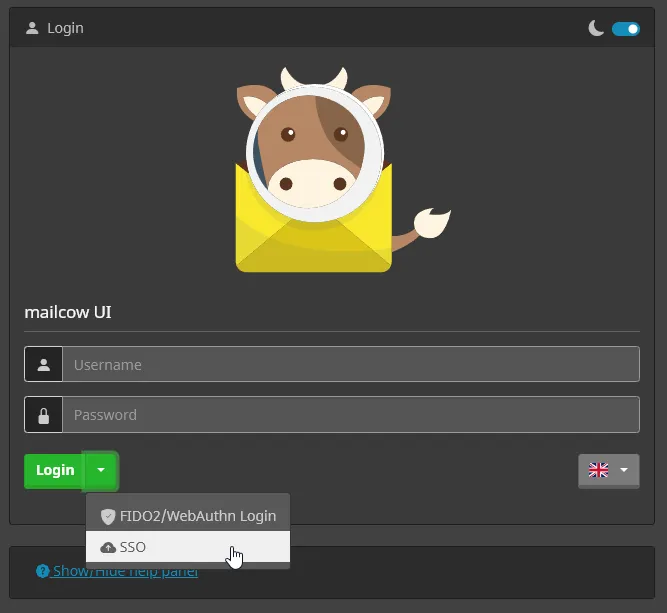
Mailcow (integrating Postfix, Dovecot, SOGo, Rspamd, and ClamAV) supports Exchange ActiveSync (EAS) for instant synchronization of mail, calendars, and contacts to mobile devices. To prevent your outbound emails from being flagged as spam by Google, Microsoft, or other receivers, you must configure these DNS validation standards:
Sender Policy Framework
Specifies which IP addresses are authorized to send mail on behalf of your domain. DNS TXT record:
v=spf1 mx a -all
The -all tag rejects unauthorized servers immediately.
DomainKeys Identified Mail
Uses asymmetric cryptography to verify that email content was not altered in transit. Generate a 2048-bit RSA key on Mailcow and add it as a TXT record under dkim._domainkey.
DMARC Policy
Defines how receiving servers should handle emails that fail SPF and DKIM checks. Deploy a strict policy using:
v=DMARC1; p=reject; rua=mailto:postmaster@domain.com
Reverse DNS
The IP address of the mail server must resolve back to its configured hostname (mail.domain.com). This record must be entered by your ISP/hosting provider.
Zero-Knowledge Local AI: Nextcloud AI Assistant
Proprietary assistants (like M365 Copilot or Google Gemini) require sending enterprise data to external public APIs, introducing data leakage risks. Nextcloud Hub solves this with the AppAPI framework, running 100% Local Large Language Models (Local LLM) on your own servers.
AppAPI spins up Python-based AI applications as isolated Docker containers. The "Nextcloud AI Assistant" runs models like Llama and Mistral directly using your server's CPU or GPU hardware acceleration, while Whisper manages speech-to-text processing on-site. This autonomous structure enables email summarization, Talk meeting transcriptions, and text generation inside the Text editor while keeping all data GDPR-compliant and safe within your data center.
Enterprise Security and Access Control Architecture
For multi-tenant or large enterprise deployments, identity and data access controls must follow strict security designs.
LDAP/Active Directory and SSO Integration
Nextcloud and Mailcow authenticate users against a centralized Active Directory or OpenLDAP directory. To prevent cleartext credential sniffing, always connect via encrypted LDAPS (port 636) rather than plain LDAP (port 389).
To optimize authentication speeds:
- Cache TTL: Increase the LDAP Cache Time-To-Live to
3600seconds (1 hour). This prevents Nextcloud from querying the AD server for every file action. - Paging: Turn on paging and limit page chunk size to
500-1000to prevent AD query overflows. - SSO Integration: Implement Keycloak or Authentik as a centralized SSO Identity Provider (IdP) and bind Nextcloud and Mailcow using OpenID Connect (OIDC). Enforce MFA (TOTP / YubiKey FIDO2) globally at the SSO portal level to secure all applications behind a single sign-on shield.
Data Loss Prevention (DLP) and Flow Engine
Nextcloud's "File Access Control" (Flow) engine allows administrators to set dynamic access policies based on user groups, device types (User Agent), file extensions, or client IP ranges. For instance, you can block users in the HR group from opening or downloading financial .xlsx spreadsheets when connecting from outside the office network IP.
By utilizing ICAP (Internet Content Adaptation Protocol), Nextcloud routes uploaded documents to enterprise DLP scanners. If a file contains sensitive data like Credit Card numbers, the scanner flags the file, and Nextcloud Flow rules automatically disable public link sharing.
Server-Side Encryption (SSE) vs. End-to-End Encryption (E2EE)
Nextcloud supports two distinct cryptographic models to secure files at rest:
Server-Side Encryption
Files are encrypted using AES-256 on the Nextcloud server before being written to external storage (S3, NFS). Encryption keys are loaded into server RAM during active sessions.
This protects data from the storage provider, but a root attacker who compromises the host can perform a RAM dump to steal active keys.
End-to-End Encryption
Encryption begins on the user's desktop or mobile client using 256-bit AES-GCM keys. The server only sees encrypted blobs and randomized folder hierarchies (Zero-Knowledge).
Does not run in web browsers to avoid the "Browser Trust Model" vulnerability (where a compromised server could push malicious JS to steal keys); desktop and mobile apps only.
Production Performance Tuning Checklist
To prevent server slowdowns under load, apply these optimization configurations across the OS, PHP-FPM, Redis, and Database layers:
Transactional File Locking
To avoid database disk IOPS bottlenecks, route file locking to Redis in your config.php:
'memcache.locking' => '\OC\Memcache\Redis',
Set the Redis eviction policy to noeviction to avoid file corruption.
Process Pool Optimization
Configure static process pooling (pm = static) and calculate worker children counts using the formula:
max_children = (Total RAM - OS/DB RAM) / 100MB
OPCache & JIT Compiler
Reduce CPU consumption and compile times by enabling OPCache and the JIT compiler inside php.ini:
opcache.jit=1255
System Cron Registration
Trigger background sync tasks via the system crontab instead of AJAX requests to speed up page loads:
*/5 * * * * php -f /var/www/nextcloud/cron.php
Shift File Locking to Redis
By default, Nextcloud handles file locking via the database (oc_file_locks table), which exhausts disk IOPS. Map file locking to Redis in your config.php:
'memcache.locking' => '\OC\Memcache\Redis',
Set the Redis eviction policy (maxmemory-policy) to noeviction to prevent Redis from dropping lock keys and causing file corruption.
Optimize PHP-FPM Process Pools
To avoid "504 Gateway Timeout" errors during peak traffic, configure pm = static. Calculate the ideal number of workers (pm.max_children) using this formula:
max_children = (Total Server RAM - RAM consumed by OS, DB, & Redis) / Average RAM consumption per PHP process (~100MB)
Example: On a 32 GB RAM server where OS (4GB), DB (8GB), and Redis/monitoring (4GB) consume 16 GB, the remaining 16 GB (16,384 MB) of RAM allocated to PHP yields pm.max_children = 150.
OPCache and JIT Compiler Settings
Boost PHP execution speeds by configuring these values in your php.ini:
opcache.memory_consumption=256
opcache.max_accelerated_files=20000
opcache.interned_strings_buffer=32
opcache.jit=1255
opcache.save_comments=1 ; Disabling this will break Nextcloud annotation routing and crash the app.
Set Up System Cron
Nextcloud runs background jobs via "AJAX" by default, which slows down user interface requests. Disable AJAX background jobs and register the system cron file (crontab) to execute every 5 minutes:
*/5 * * * * php -f /var/www/nextcloud/cron.php
Integrating Nextcloud Hub, OnlyOffice, and Mailcow provides organizations with the same collaboration capabilities offered by Microsoft 365 and Google Workspace while guaranteeing absolute ownership and compliance of your business data.
With proper capacity planning, Redis caching, and Talk SFU/Janus configurations, this private cloud ecosystem scales efficiently to form a highly secure, independent open-source workspace.